 |  |
|---|
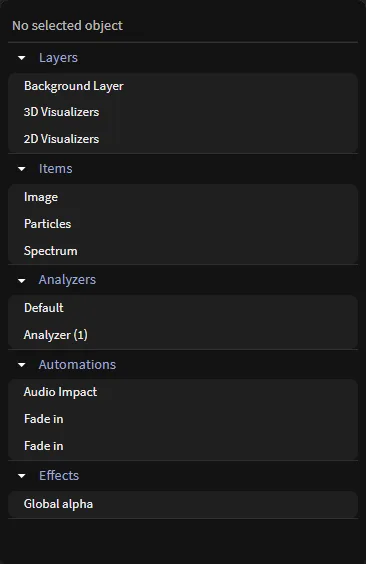
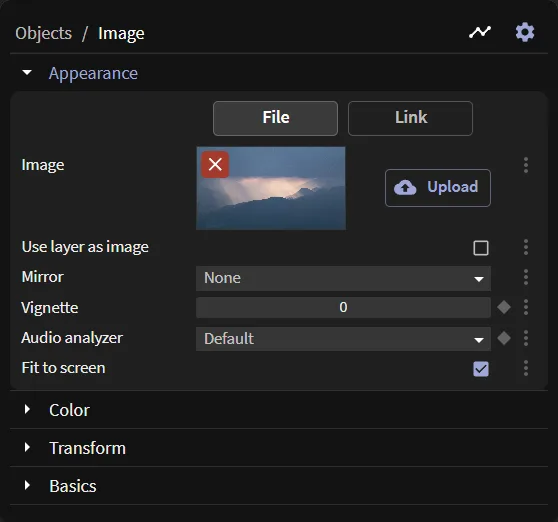
This pane allows you to control everything about any selected object. This is where any and all controllers will be displayed. This is also an explorer-like pane allowing you to traverse the vast majority of the project without ever leaving the tab.
There are some buttons in the top right corner. You can turn on the display of automations if you have many of them and want to only access ones linked to the selected object. You can also access some object settings and set a note to an object.
Resetting objects
You can reset objects to their state prior to your edits.
For example, if you just added a Particles item and you want to go back to the default settings, you can reset the entire item or individual controllers via the controllers’ three-dot or right-click menu. If you saved a project, then loaded it again and started making changes, the reset button will roll the changes back to your last save.