The Mask effect allows you to apply a mask to a layer. You can either use an image as a mask, or another layer (which will have to be rendered to a buffer).
Warning
By default, the mask is nothing, which gets interpreted as a completely black image, which means it will block everything.
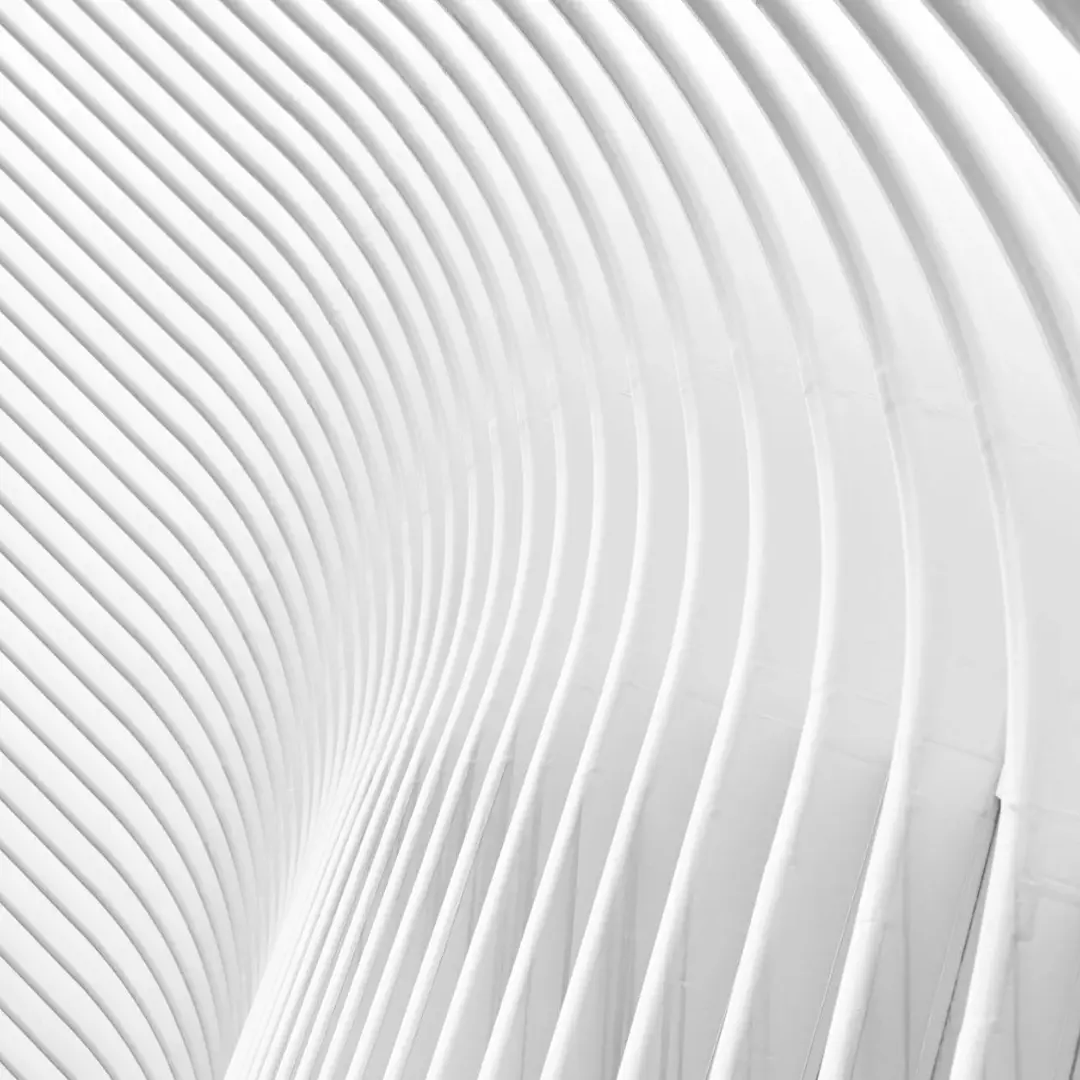
Input
+
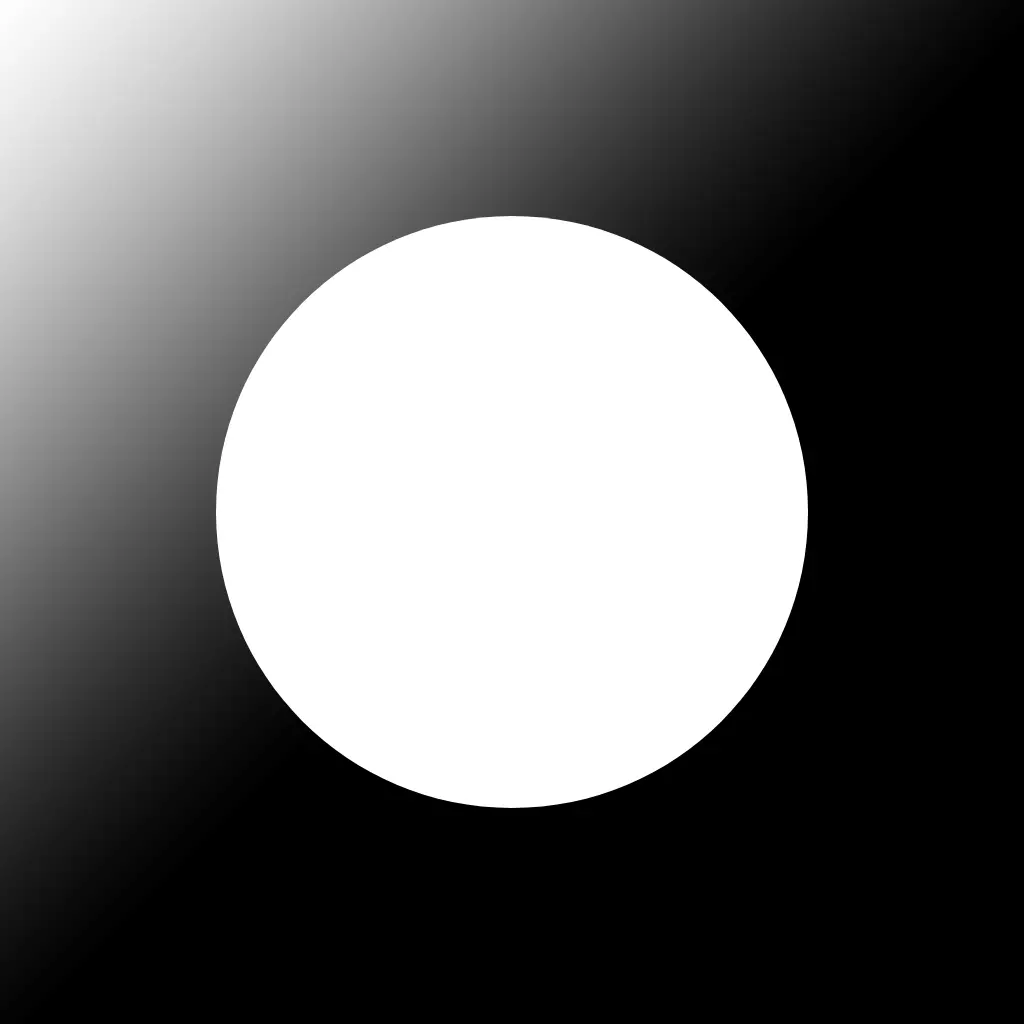
Mask
=
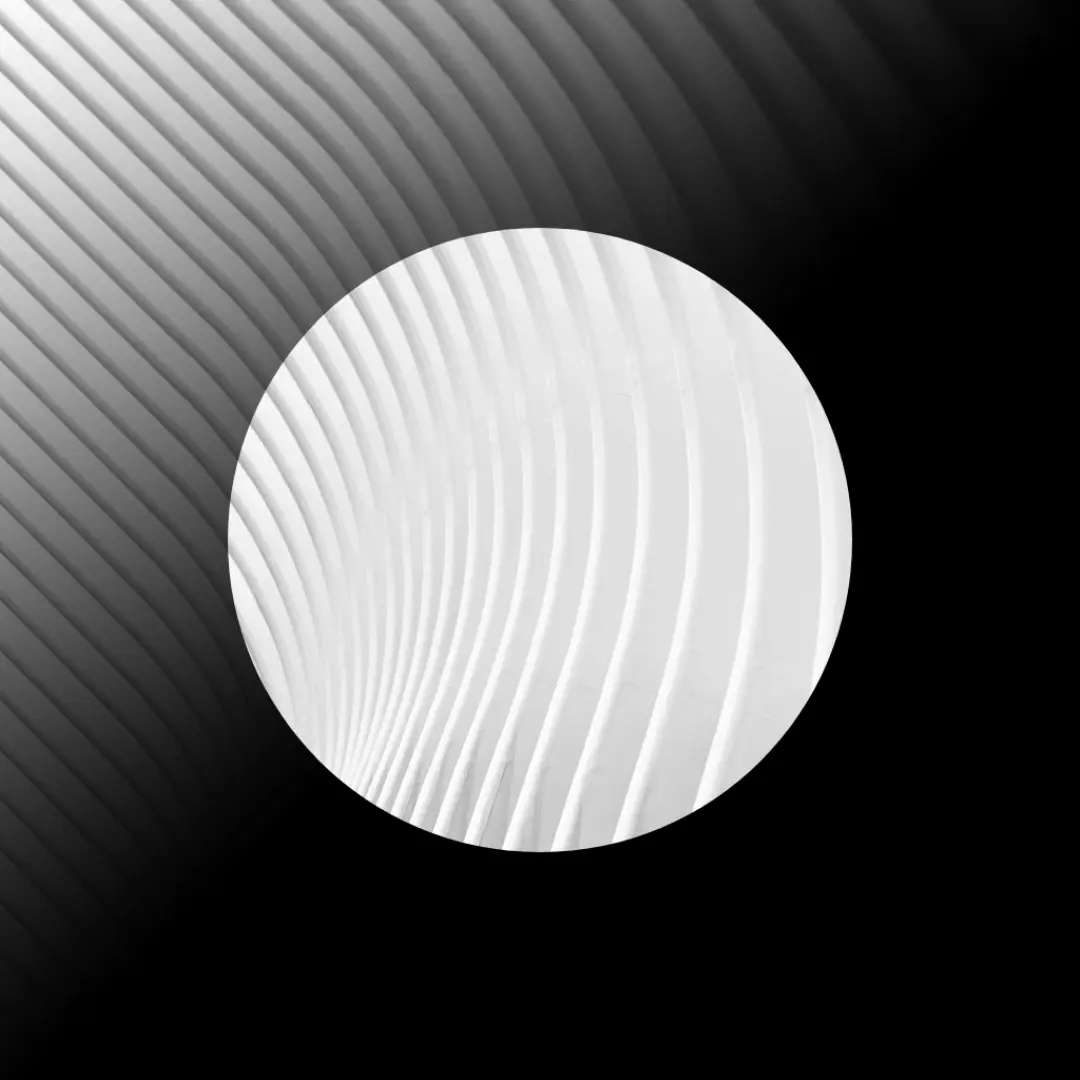
Output
The masking works like a silhouette. Fully white parts are completely let through, fully black parts are completely blocked, and grey parts are 50% opaque.
Controllers
| Name | Type | Description | Range |
|---|---|---|---|
| Use image texture | Switch | Whether to use an image or a layer as a mask | - |
| Target layer | Select | The layer to take as the mask | - |