The Blending effect allows you to blend the layer it’s applied with another layer (which must be rendered to a buffed) in many ways.
Warning
This effect does not function normally without another layer.
We will call the layer the effect is applied to the source layer And the layer that the effect is blending with the target layer
Blend modes
1Here are all of the available blend modes with a 0.5 opacity.
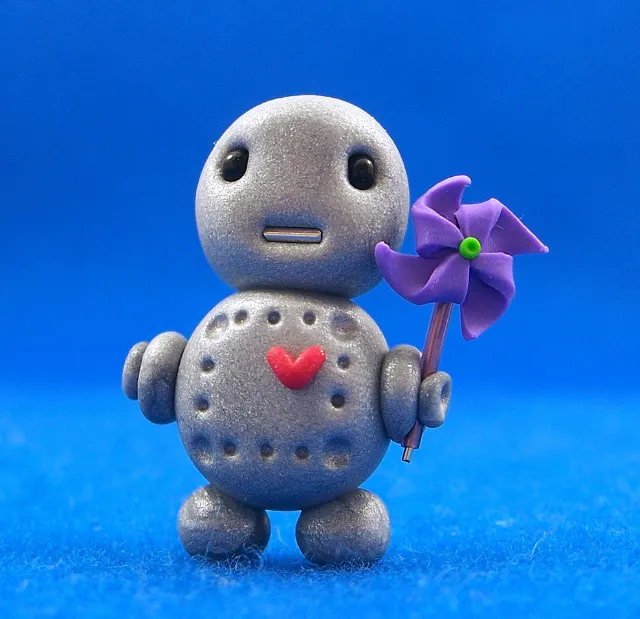
Source
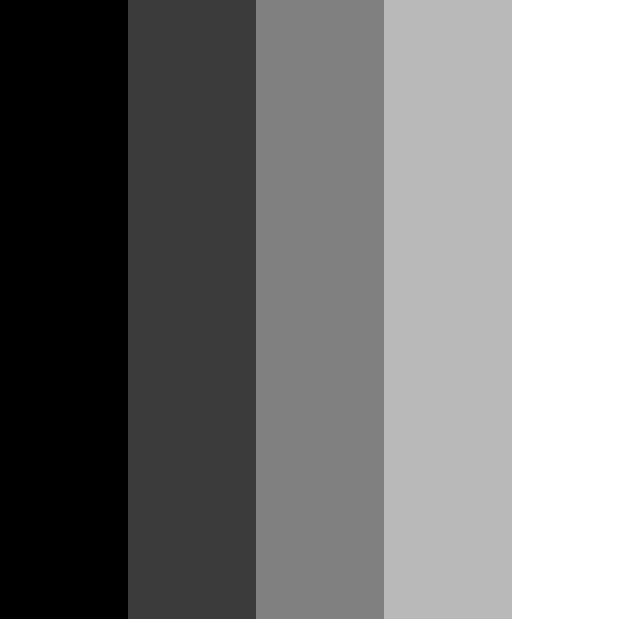
Target
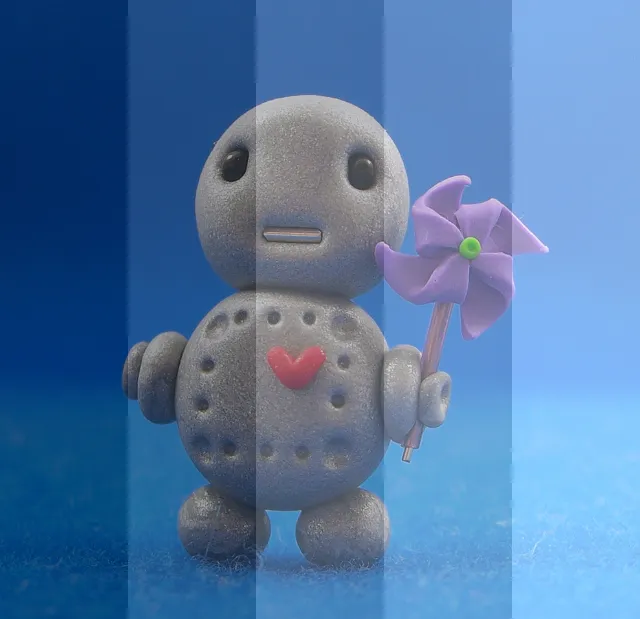
Normal
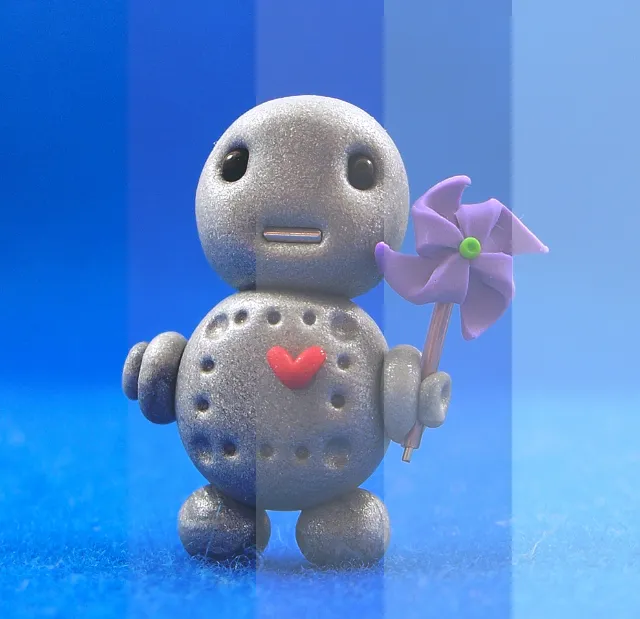
Lighten
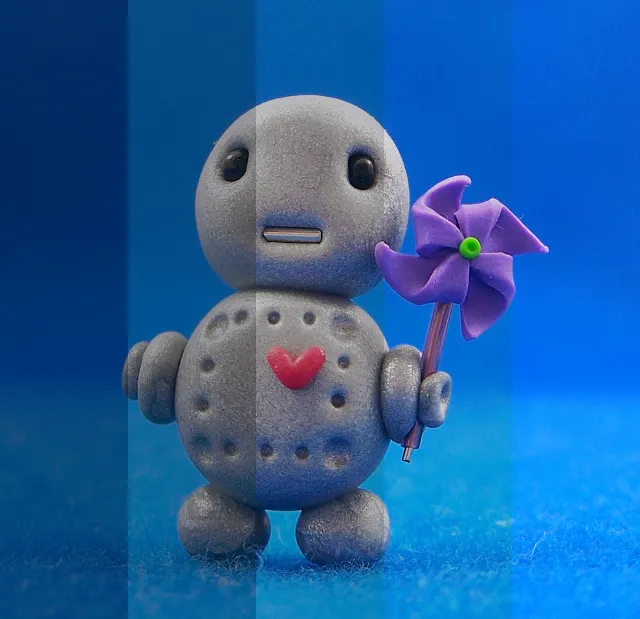
Darken
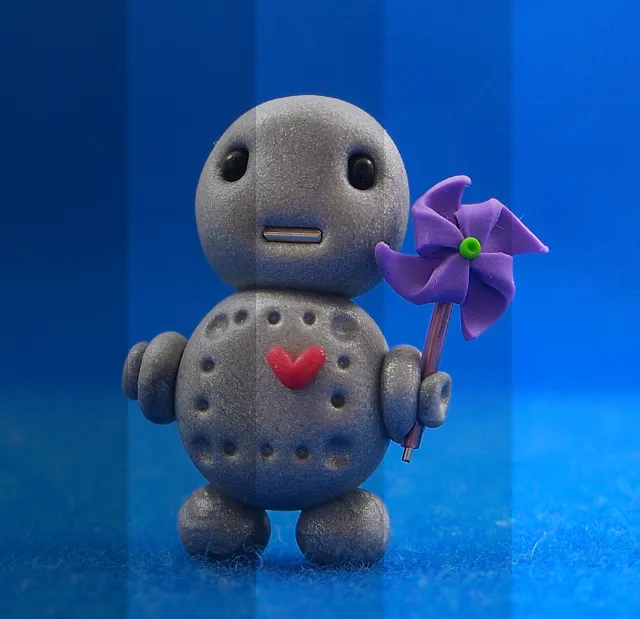
Multiply
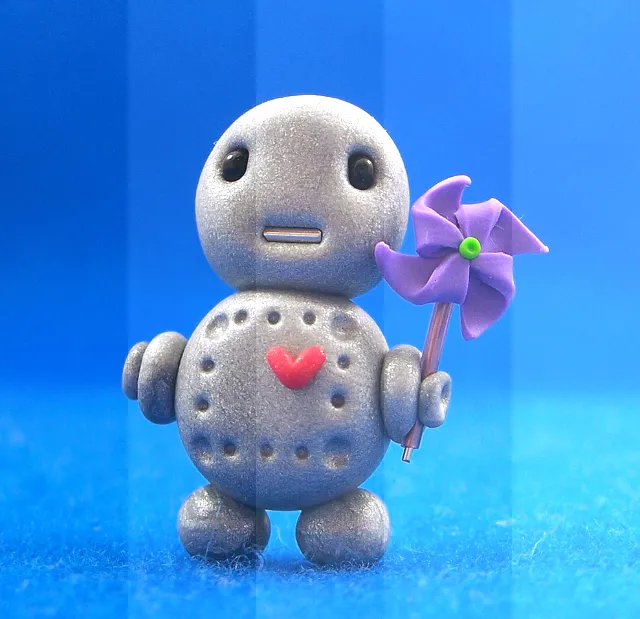
Average
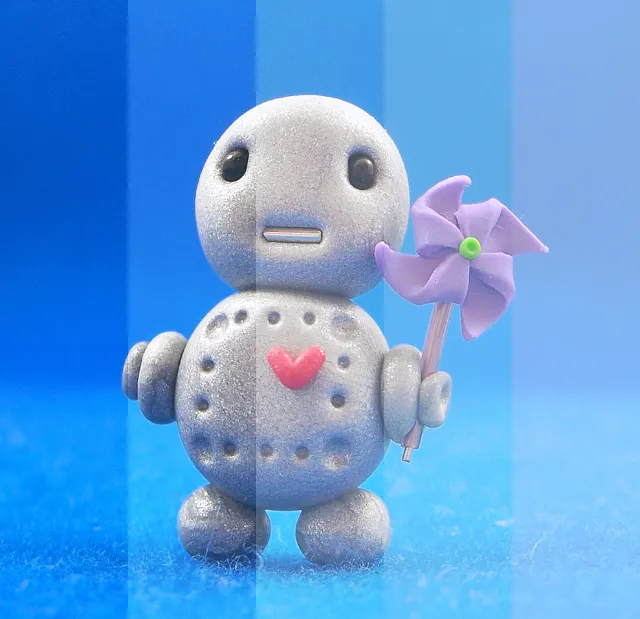
Add
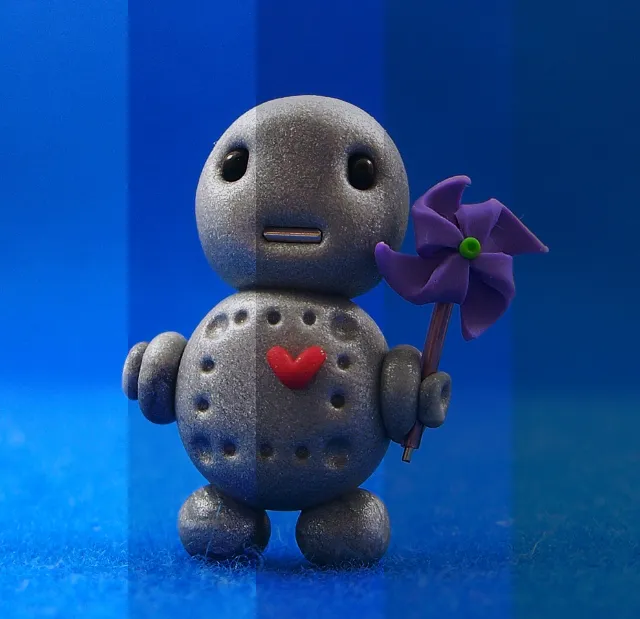
Subtract
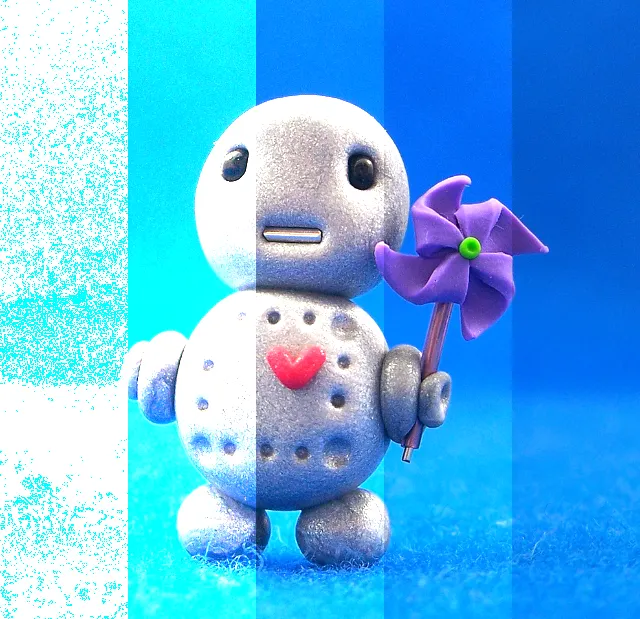
Divide
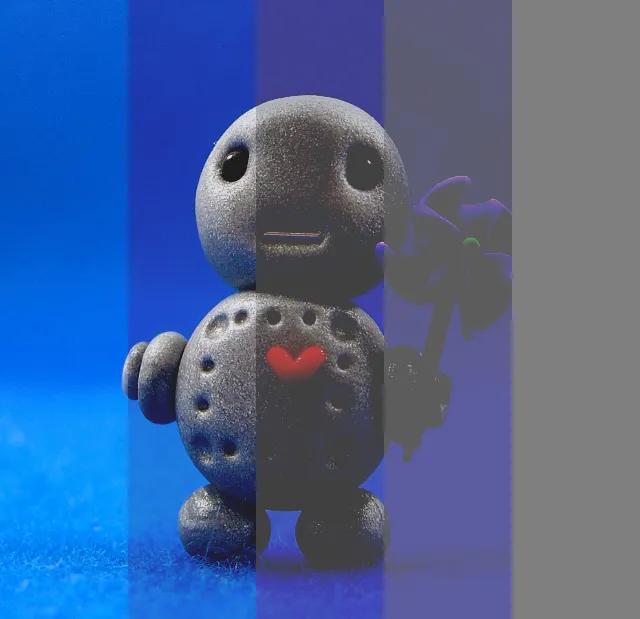
Difference
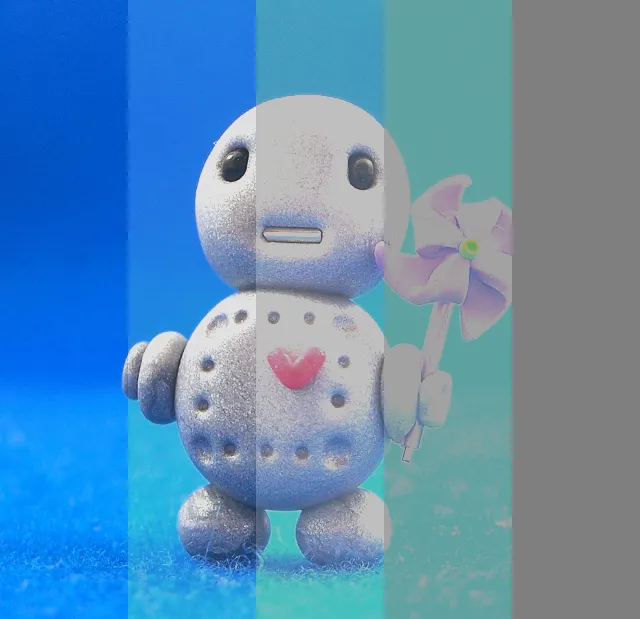
Negation
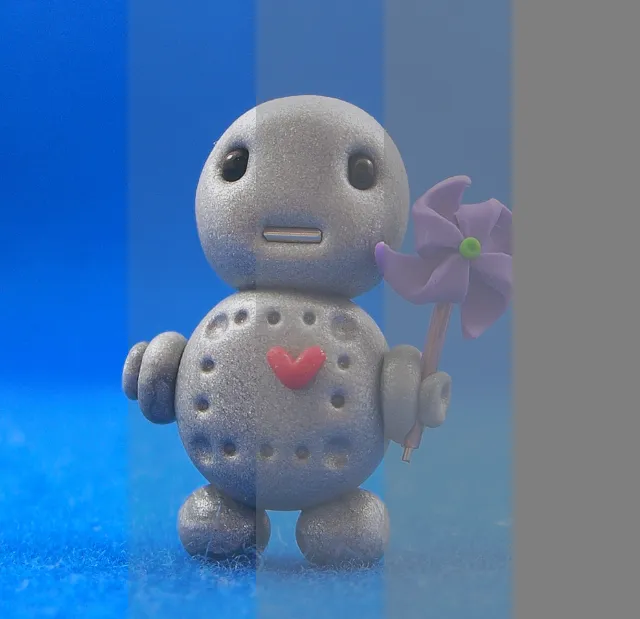
Exclusion
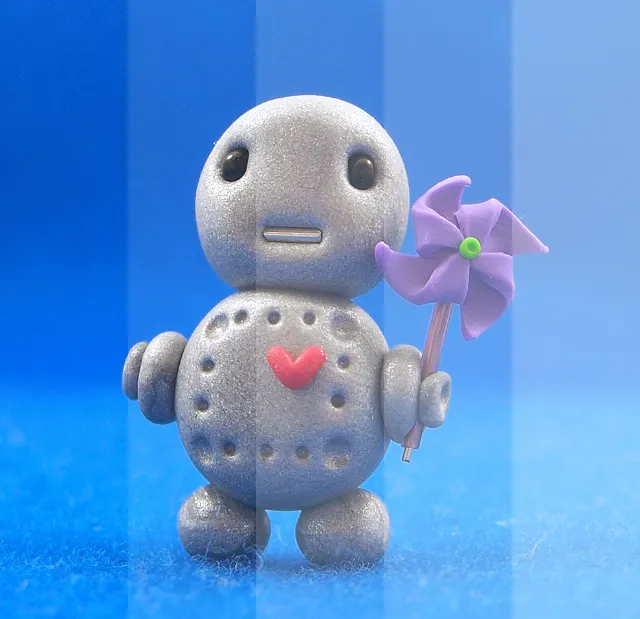
Screen
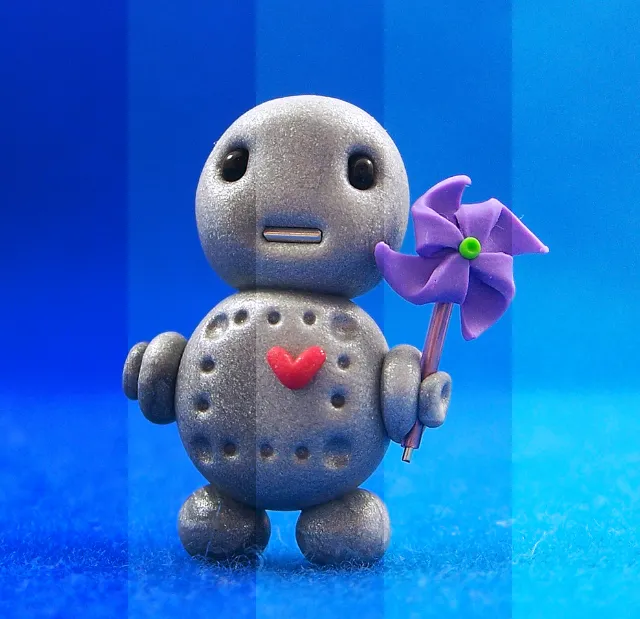
Overlay
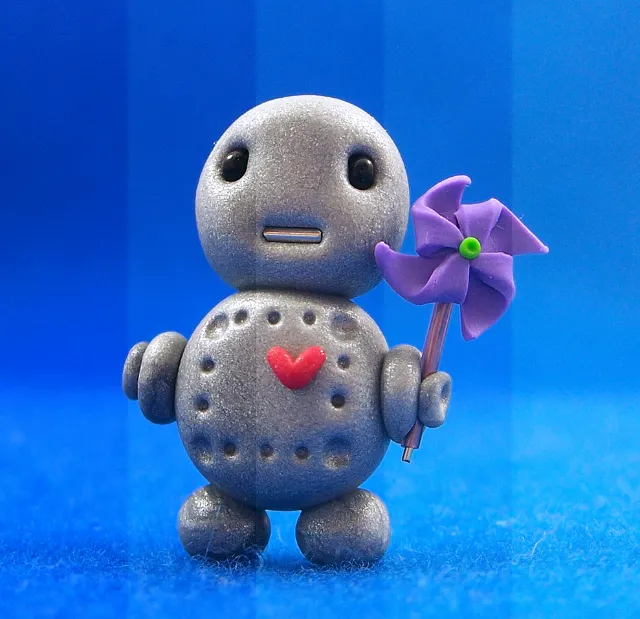
Soft Light
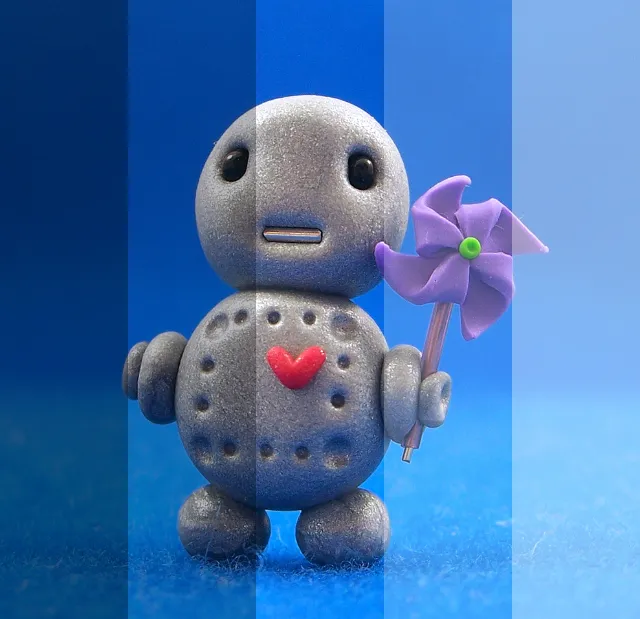
Hard Light

Color Dodge
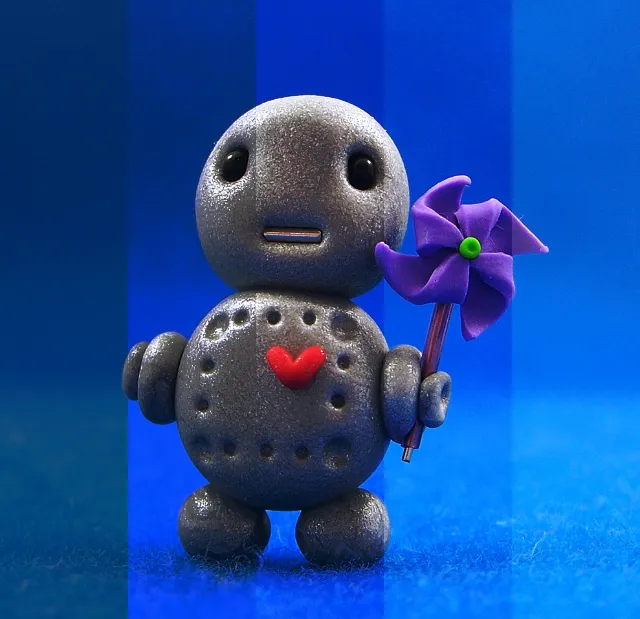
Color Burn
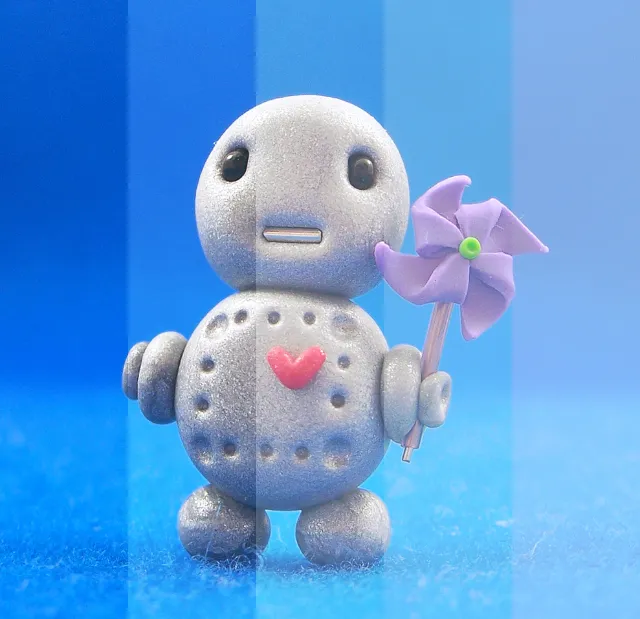
Linear Dodge
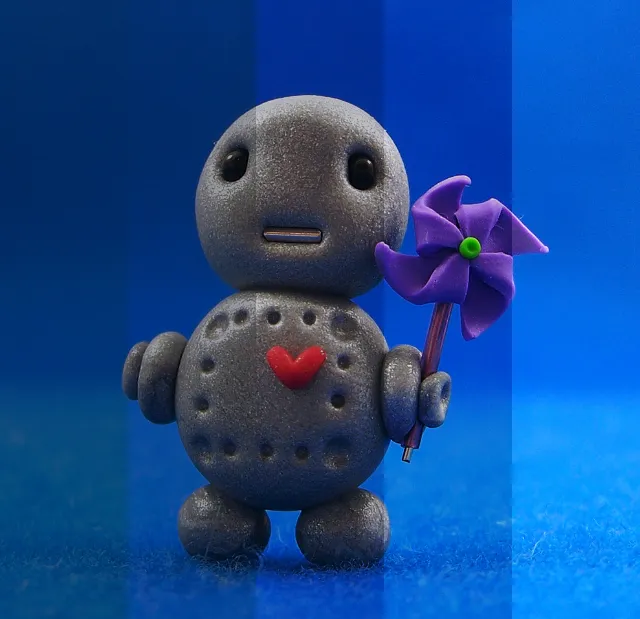
Linear Burn
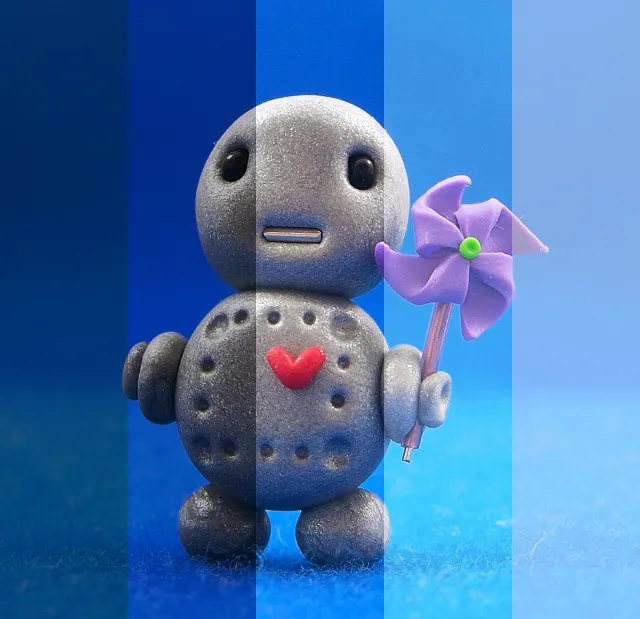
Linear Light
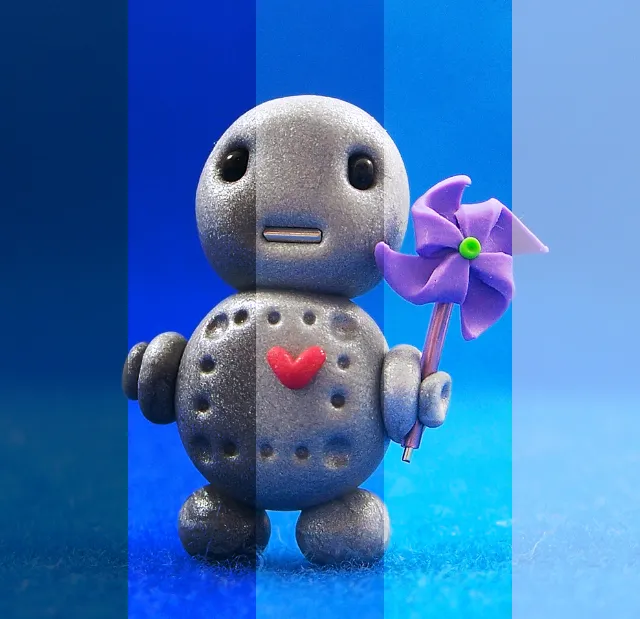
Vivid Light
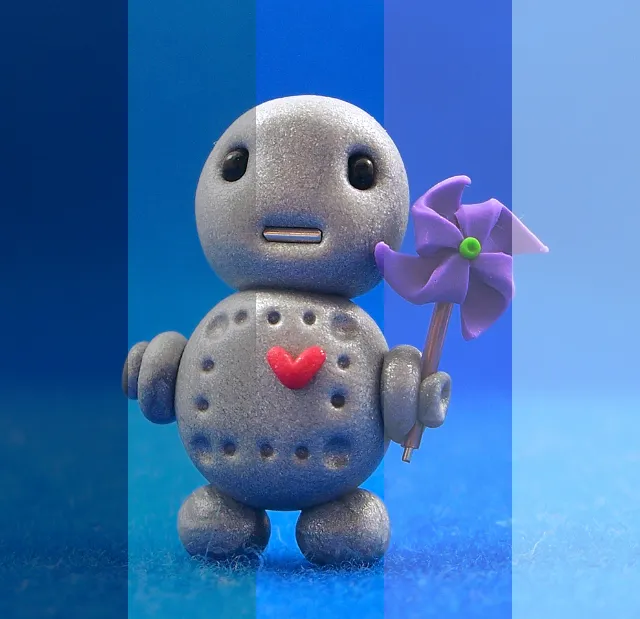
Pin Light
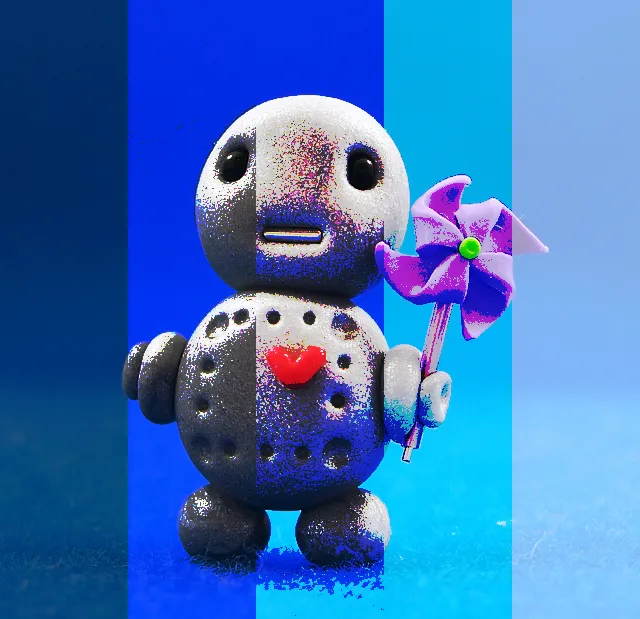
Hard Mix
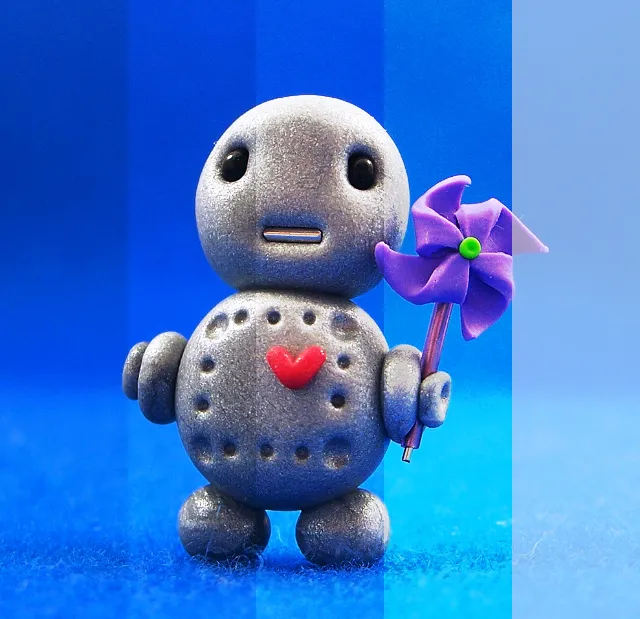
Reflect
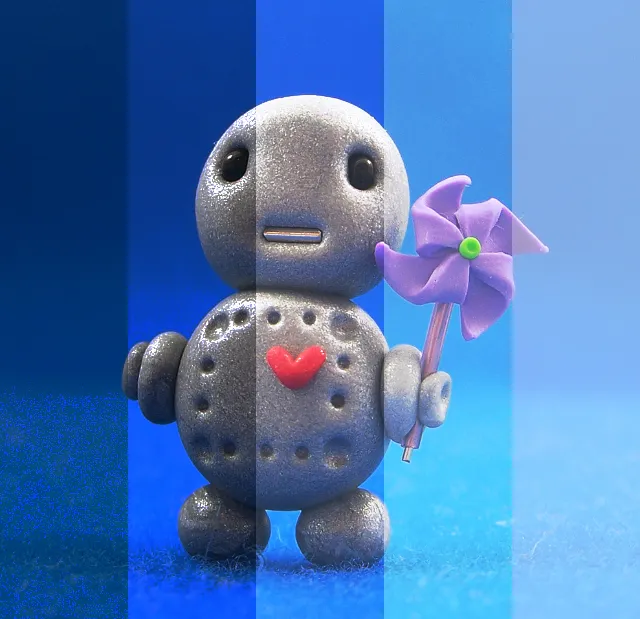
Glow
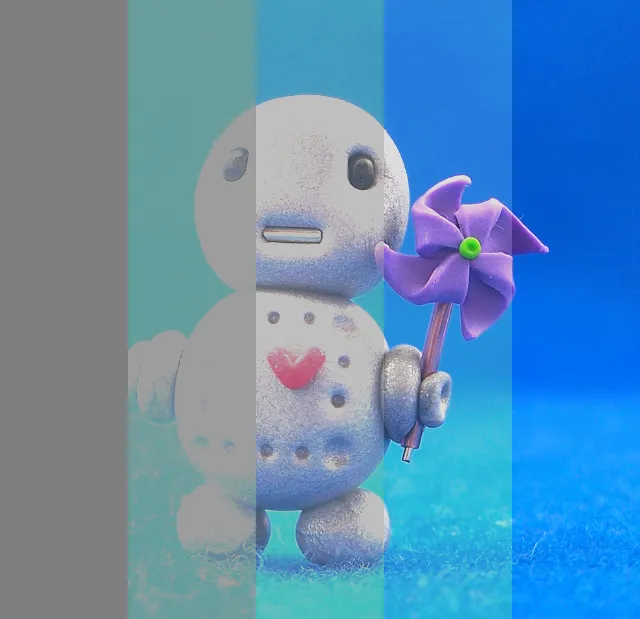
Phoenix

Hue

Saturation

Color
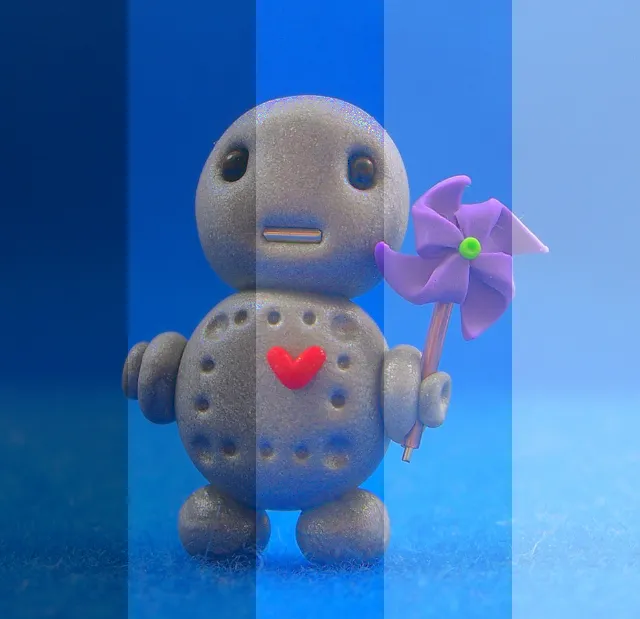
Luminosity
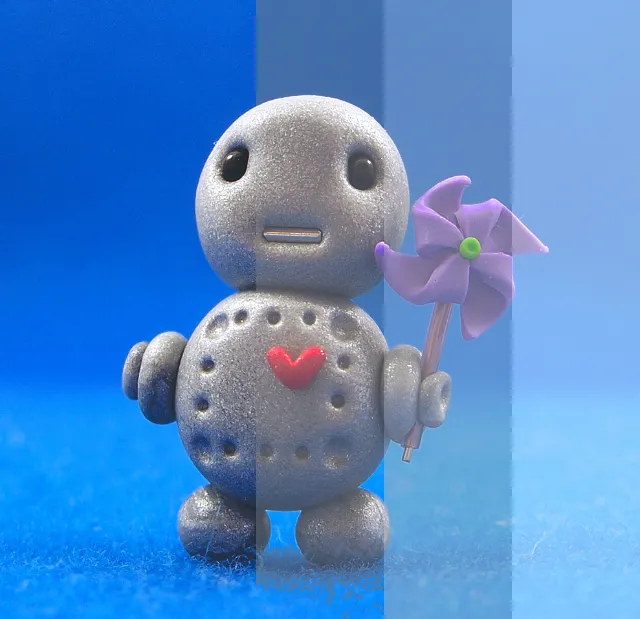
Lighter Color
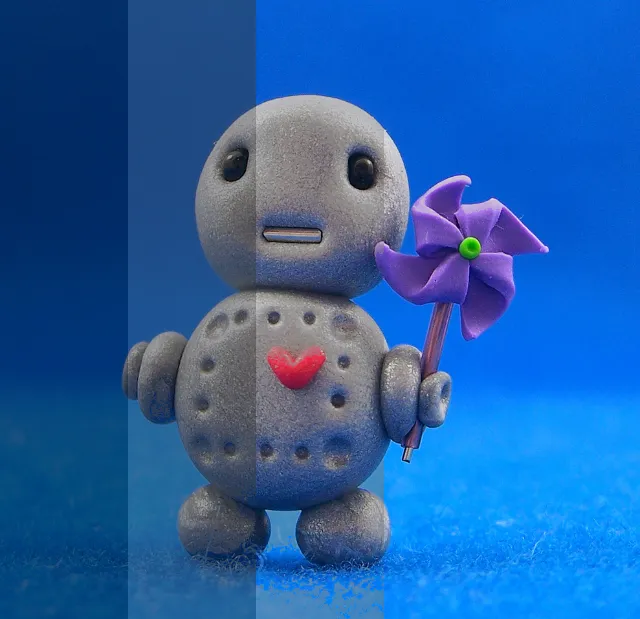
Darker Color
Controllers
| Name | Type | Description | Range |
|---|---|---|---|
| Blend with | Select | The target layer | - |
| Blend mode | Select | The way in which to blend the layers | - |
| Blend gamma | Number | The lightness curve to use, giving more or less blending to brighter or dimmer areas of the image | 0.0-4.0 |
| Opacity | Number | The opacity (or blend amount) of the source layer 0 means you will only see the target layer | 0.0-1.0 |